Best Practices
Follow these expert tips and recommendations to get the best results from your try-ons and maximize your credits.
Golden Rules
Use 1-2 Items Per Try-On
The AI performs best with 1-2 products at a time. For the most accurate fit and design representation, try on items individually, especially for detailed or branded garments.
Start With Sneakers or Pants + Sneakers
Always try on sneakers first, then add other garments on top. Alternatively, start with pants + sneakers together before adding upper body items.
Detailed Items Need Solo Try-Ons
Highly detailed garments with intricate patterns, multiple logos, or complex designs work best when tried on alone. This ensures the AI captures all the details accurately.
If you're trying on a hoodie, don't add a t-shirt before.
If the sweatshirt or hoodie completely covers the t-shirt underneath (like zip hoodies or thick pullovers), it's better to try it on without adding a t-shirt first. This saves a step and won’t affect the final result, since the hoodie will fully cover the layer beneath anyway.
Avoid Mixing Known and Unknown Brands
When trying on products from well-known brands (Nike, Adidas, Supreme) together with lesser-known brands, the AI may incorrectly apply the famous brand's logo to the unknown brand's product.
Solution: Try on items from different brand recognition levels separately.
Embrace Trial and Error
Try-ons are meant to be experimental. If something doesn't work, don't worry—just adjust your approach. If you tried on 2+ items and it didn't work, rollback to the previous state and try on the items one at a time. Start with the simpler item first.
Known AI Limitations
The AI is powerful but has some limitations you should be aware of:
Slight Face Alterations
The AI may slightly alter your avatar's facial features with each try-on. This is a limitation of pixel-by-pixel regeneration and is unavoidable.
Background Changes
The background may darken or change slightly with each try-on. This is normal AI behavior during image regeneration.
Complex Item Combinations
Trying on 3+ detailed items at once may produce unexpected results. The AI works best with simpler combinations.
Optimal Strategy
Deep dive into advanced strategies for maximum efficiency.
Common Issues
Troubleshoot problems and find solutions to frequent issues.
Best Practices
Follow these expert tips and recommendations to get the best results from your try-ons and maximize your credits.
Golden Rules
Use 1-2 Items Per Try-On
The AI performs best with 1-2 products at a time. For the most accurate fit and design representation, try on items individually, especially for detailed or branded garments.
Start With Sneakers or Pants + Sneakers
Always try on sneakers first, then add other garments on top. Alternatively, start with pants + sneakers together before adding upper body items.
Detailed Items Need Solo Try-Ons
Highly detailed garments with intricate patterns, multiple logos, or complex designs work best when tried on alone. This ensures the AI captures all the details accurately.
If you're trying on a hoodie, don't add a t-shirt before.
If the sweatshirt or hoodie completely covers the t-shirt underneath (like zip hoodies or thick pullovers), it's better to try it on without adding a t-shirt first. This saves a step and won’t affect the final result, since the hoodie will fully cover the layer beneath anyway.
Avoid Mixing Known and Unknown Brands
When trying on products from well-known brands (Nike, Adidas, Supreme) together with lesser-known brands, the AI may incorrectly apply the famous brand's logo to the unknown brand's product.
Solution: Try on items from different brand recognition levels separately.
Embrace Trial and Error
Try-ons are meant to be experimental. If something doesn't work, don't worry—just adjust your approach. If you tried on 2+ items and it didn't work, rollback to the previous state and try on the items one at a time. Start with the simpler item first.
Known AI Limitations
The AI is powerful but has some limitations you should be aware of:
Slight Face Alterations
The AI may slightly alter your avatar's facial features with each try-on. This is a limitation of pixel-by-pixel regeneration and is unavoidable.
Background Changes
The background may darken or change slightly with each try-on. This is normal AI behavior during image regeneration.
Complex Item Combinations
Trying on 3+ detailed items at once may produce unexpected results. The AI works best with simpler combinations.
Optimal Strategy
Deep dive into advanced strategies for maximum efficiency.
Common Issues
Troubleshoot problems and find solutions to frequent issues.
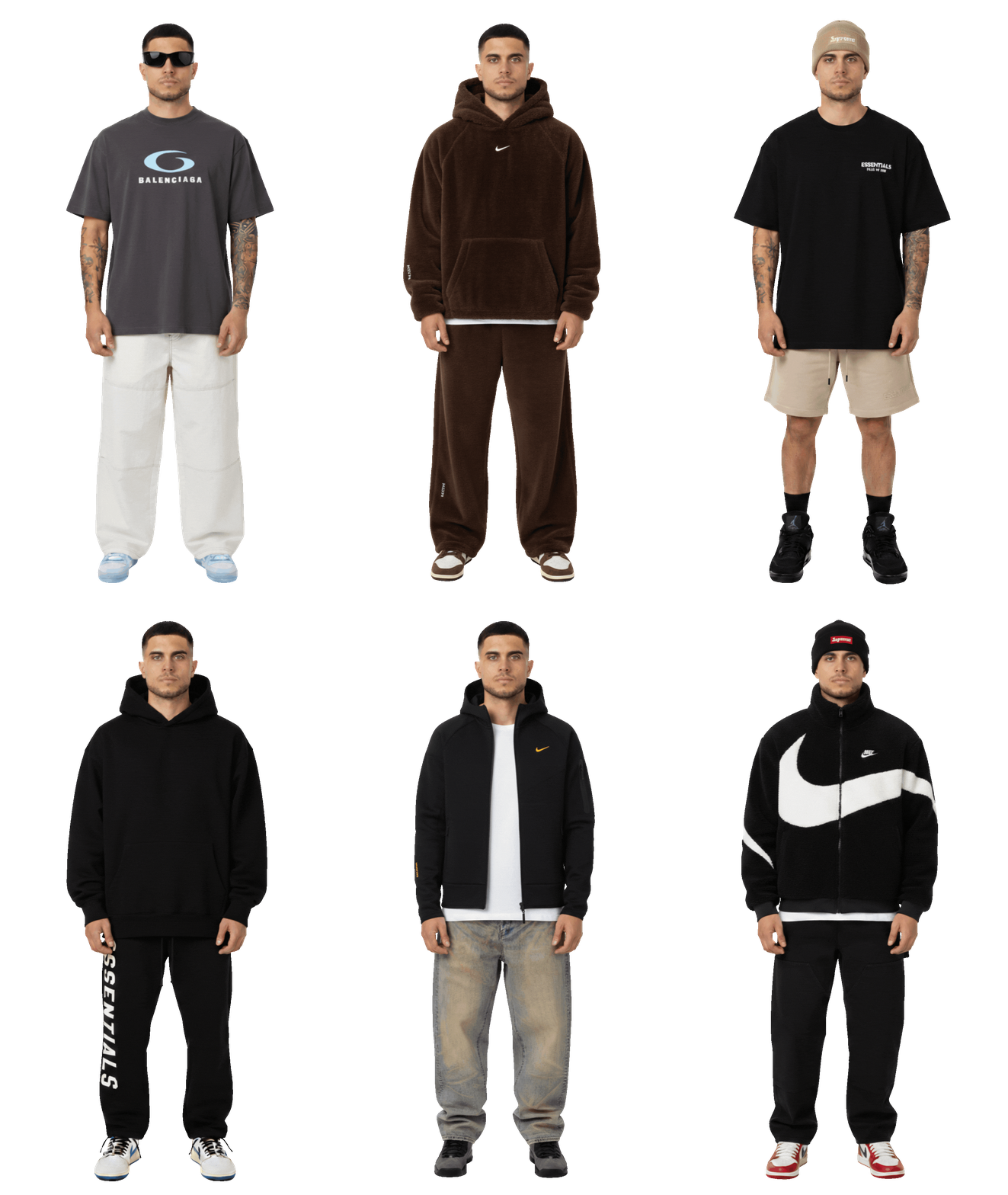
Wear your outfits
Your real self, wearing real brands.
I'm reading your prompt
Editing your table...