Common Issues & Solutions
Troubleshoot frequent problems and learn how to resolve them for better try-on results.
Most Common Issues
Products Not Looking Accurate
The product appears distorted, blurry, or doesn't match the original design.
Solutions:
- •Try the item alone: Detailed products work best when tried on individually without other items.
- •Reduce item count: If you tried on 3+ items, rollback and try fewer items together.
- •Check brand mixing: Separate famous brands from lesser-known brands into different try-ons.
Logos Appearing on Wrong Products
Famous brand logos (Nike, Adidas) showing up on products from different brands.
Solutions:
- •Try brands separately: Don't mix well-known brands with lesser-known brands in the same try-on.
- •Solo famous brands: Try high-profile branded items alone to prevent logo contamination.
- •Layer strategically: If mixing is necessary, put lesser-known brands on top of famous brands, not the reverse.
Avatar Face Looks Different
The avatar's face changes slightly after each try-on.
Explanation:
This is a known AI limitation. The model regenerates images pixel-by-pixel, which can cause minor facial variations. This is unavoidable with current AI technology.
Mitigation:
- •Use the face enhancement feature if available to restore facial consistency.
- •Minimize the number of try-ons by planning outfits carefully.
- •Save versions of your avatar that look best for future reference.
Can't Try On Another Item of Same Category
Unable to try on a different hoodie, pants, or shoes without removing the previous one.
Solutions:
- •Use rollback: Click the rollback button to go back to a state before the current item was added.
- •Cannot superimpose: Items from the same category cannot be worn simultaneously. You must remove one before trying another.
- •Plan comparisons: If comparing similar items, save each outfit separately before rolling back.
Background is Darker or Changed
The background behind the avatar darkens or changes with each try-on.
Explanation:
This is another AI limitation. During image regeneration, the background may shift, darken, or change slightly. This is normal behavior and doesn't affect the quality of the clothing visualization. There's no workaround for this issue—it's a byproduct of the AI's image generation process.
Try-On Failed or Produced Strange Results
The try-on completely failed or produced nonsensical results.
Solutions:
- •Simplify the try-on: Reduce to 1-2 items maximum.
- •Try again: Sometimes a simple retry produces better results.
- •Check your avatar: Ensure your base avatar is clear and properly formed.
- •Contact support: If persistent failures occur, reach out to our support team.
Common Issues & Solutions
Troubleshoot frequent problems and learn how to resolve them for better try-on results.
Most Common Issues
Products Not Looking Accurate
The product appears distorted, blurry, or doesn't match the original design.
Solutions:
- •Try the item alone: Detailed products work best when tried on individually without other items.
- •Reduce item count: If you tried on 3+ items, rollback and try fewer items together.
- •Check brand mixing: Separate famous brands from lesser-known brands into different try-ons.
Logos Appearing on Wrong Products
Famous brand logos (Nike, Adidas) showing up on products from different brands.
Solutions:
- •Try brands separately: Don't mix well-known brands with lesser-known brands in the same try-on.
- •Solo famous brands: Try high-profile branded items alone to prevent logo contamination.
- •Layer strategically: If mixing is necessary, put lesser-known brands on top of famous brands, not the reverse.
Avatar Face Looks Different
The avatar's face changes slightly after each try-on.
Explanation:
This is a known AI limitation. The model regenerates images pixel-by-pixel, which can cause minor facial variations. This is unavoidable with current AI technology.
Mitigation:
- •Use the face enhancement feature if available to restore facial consistency.
- •Minimize the number of try-ons by planning outfits carefully.
- •Save versions of your avatar that look best for future reference.
Can't Try On Another Item of Same Category
Unable to try on a different hoodie, pants, or shoes without removing the previous one.
Solutions:
- •Use rollback: Click the rollback button to go back to a state before the current item was added.
- •Cannot superimpose: Items from the same category cannot be worn simultaneously. You must remove one before trying another.
- •Plan comparisons: If comparing similar items, save each outfit separately before rolling back.
Background is Darker or Changed
The background behind the avatar darkens or changes with each try-on.
Explanation:
This is another AI limitation. During image regeneration, the background may shift, darken, or change slightly. This is normal behavior and doesn't affect the quality of the clothing visualization. There's no workaround for this issue—it's a byproduct of the AI's image generation process.
Try-On Failed or Produced Strange Results
The try-on completely failed or produced nonsensical results.
Solutions:
- •Simplify the try-on: Reduce to 1-2 items maximum.
- •Try again: Sometimes a simple retry produces better results.
- •Check your avatar: Ensure your base avatar is clear and properly formed.
- •Contact support: If persistent failures occur, reach out to our support team.
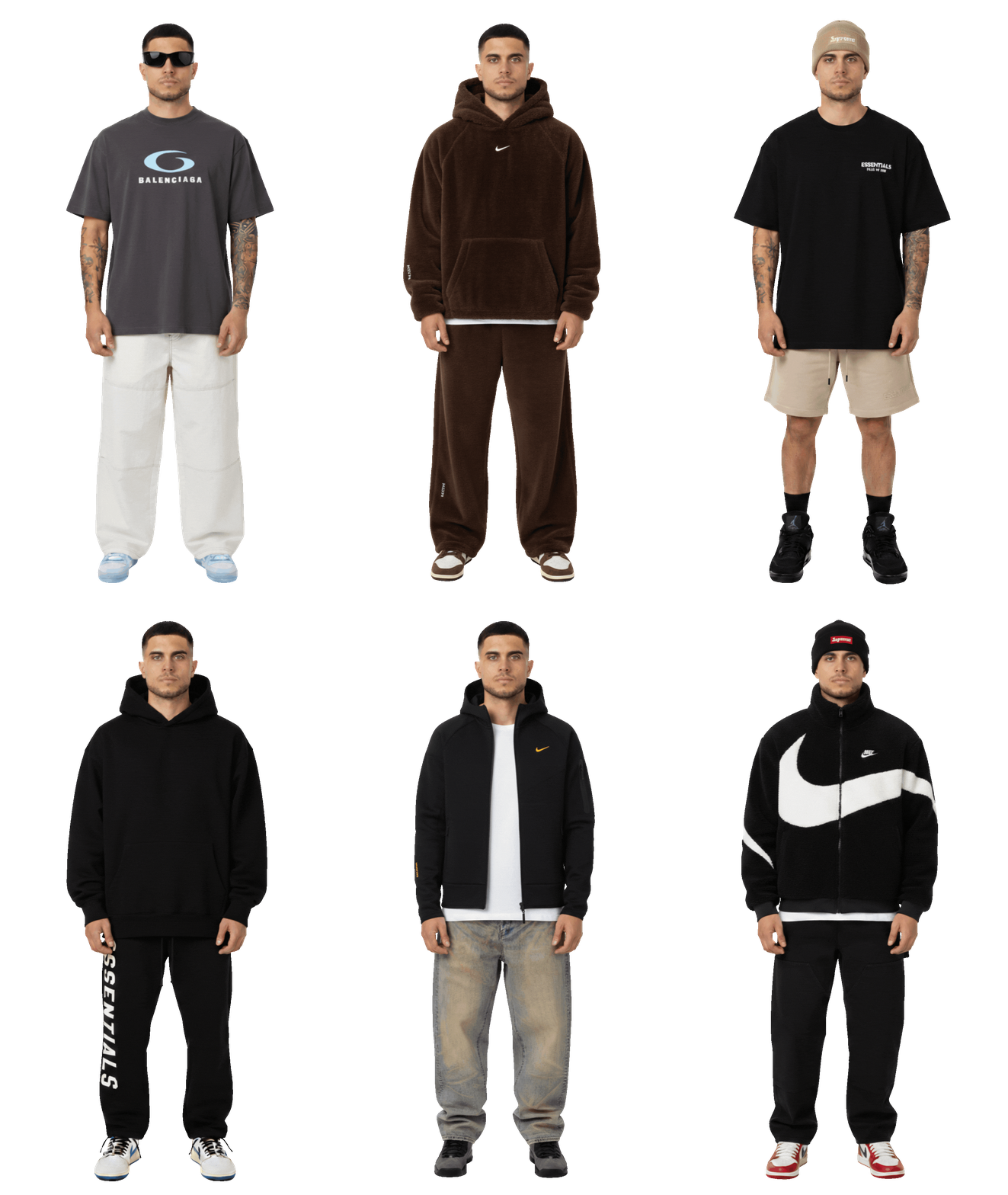
Wear your outfits
Your real self, wearing real brands.
I'm reading your prompt
Editing your table...