Creating Your Avatar
Your avatar is the foundation of your My Outfit experience. The quality of your base avatar directly impacts how well clothes will look on you throughout the platform.
Required Photos
You'll need to upload two photos during onboarding:
- Full-body photo: Stand straight, arms at your sides, looking at the camera. This is the most important photo as the AI uses it to understand your body shape and proportions.
- Close-up face photo: A clear photo of your face. Ideally taken at the same time as your full-body photo to avoid confusing the AI with different lighting or appearance.
Avatar Regenerations
You have 3 regeneration attempts during onboarding. If you're not satisfied with your initial avatar, you can upload different photos and regenerate it.
After using all 3 regenerations, you can review all generated avatars and select the one that works best for you.
Experiment with Different Photos
Don't be afraid to try different photo combinations. Sometimes a different angle or lighting can produce significantly better results. Use all 3 regenerations to find your perfect avatar.
Next Steps
After creating your avatar, you're ready to start exploring the platform and trying on products.
Creating Your Avatar
Your avatar is the foundation of your My Outfit experience. The quality of your base avatar directly impacts how well clothes will look on you throughout the platform.
Required Photos
You'll need to upload two photos during onboarding:
- Full-body photo: Stand straight, arms at your sides, looking at the camera. This is the most important photo as the AI uses it to understand your body shape and proportions.
- Close-up face photo: A clear photo of your face. Ideally taken at the same time as your full-body photo to avoid confusing the AI with different lighting or appearance.
Avatar Regenerations
You have 3 regeneration attempts during onboarding. If you're not satisfied with your initial avatar, you can upload different photos and regenerate it.
After using all 3 regenerations, you can review all generated avatars and select the one that works best for you.
Experiment with Different Photos
Don't be afraid to try different photo combinations. Sometimes a different angle or lighting can produce significantly better results. Use all 3 regenerations to find your perfect avatar.
Next Steps
After creating your avatar, you're ready to start exploring the platform and trying on products.
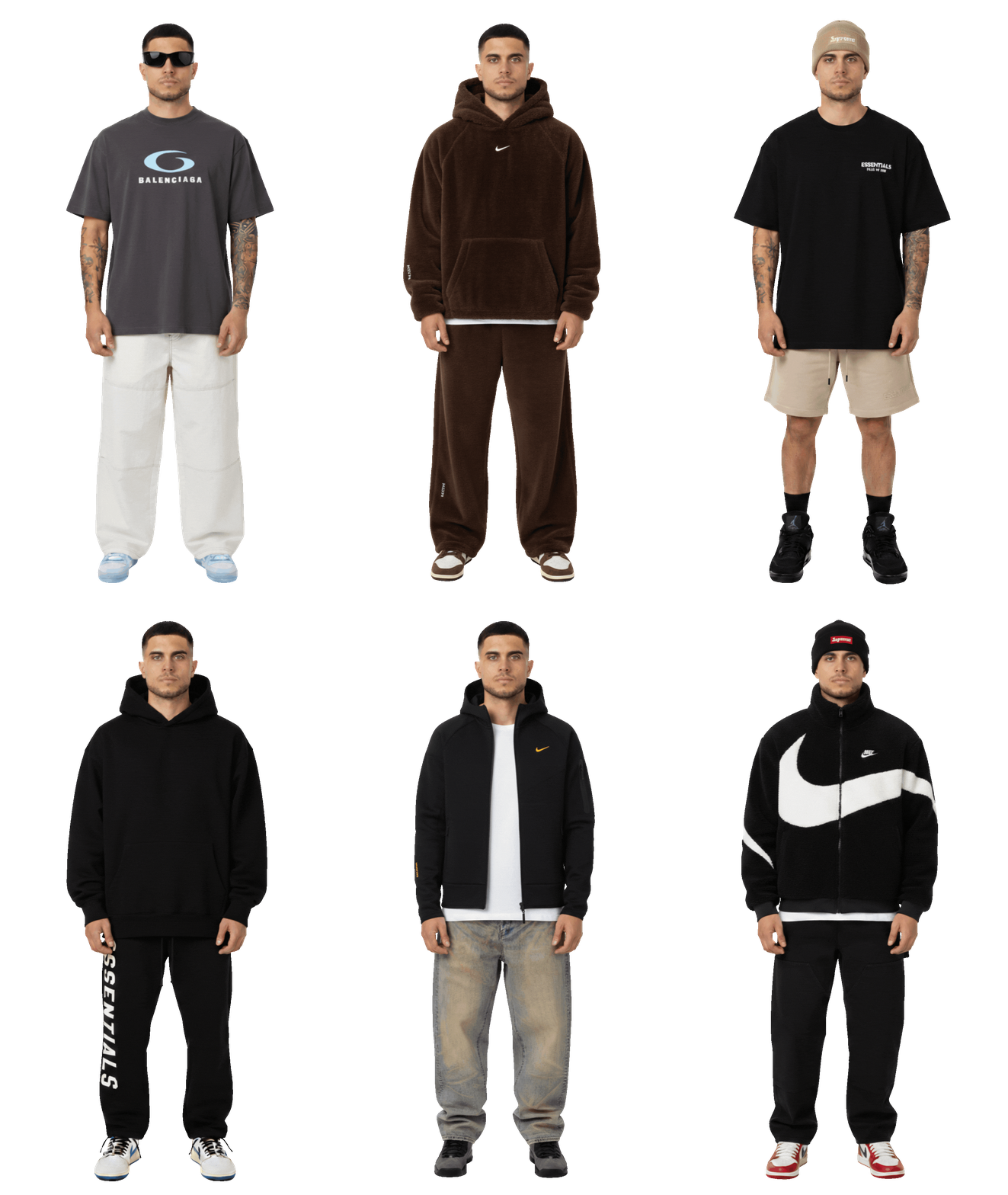
Wear your outfits
Your real self, wearing real brands.
I'm reading your prompt
Editing your table...