Getting Started with Try-Ons
Learn how to use My Outfit to try on clothing items on your avatar. Follow these simple steps to start wearing any product you like.
Important Things to Keep in Mind
For optimal results: Check out our Best Practices guide to learn expert tips and recommendations that will help you achieve the highest success rate when generating outfits. Following these guidelines will ensure your try-ons look accurate and realistic.
Troubleshooting: If you encounter any issues with the AI or the platform, visit our Common Issues page. There you'll find solutions to frequent problems and explanations for any unexpected behavior you might experience.
How to Try On Clothing Items
1 - Add Products to Selection
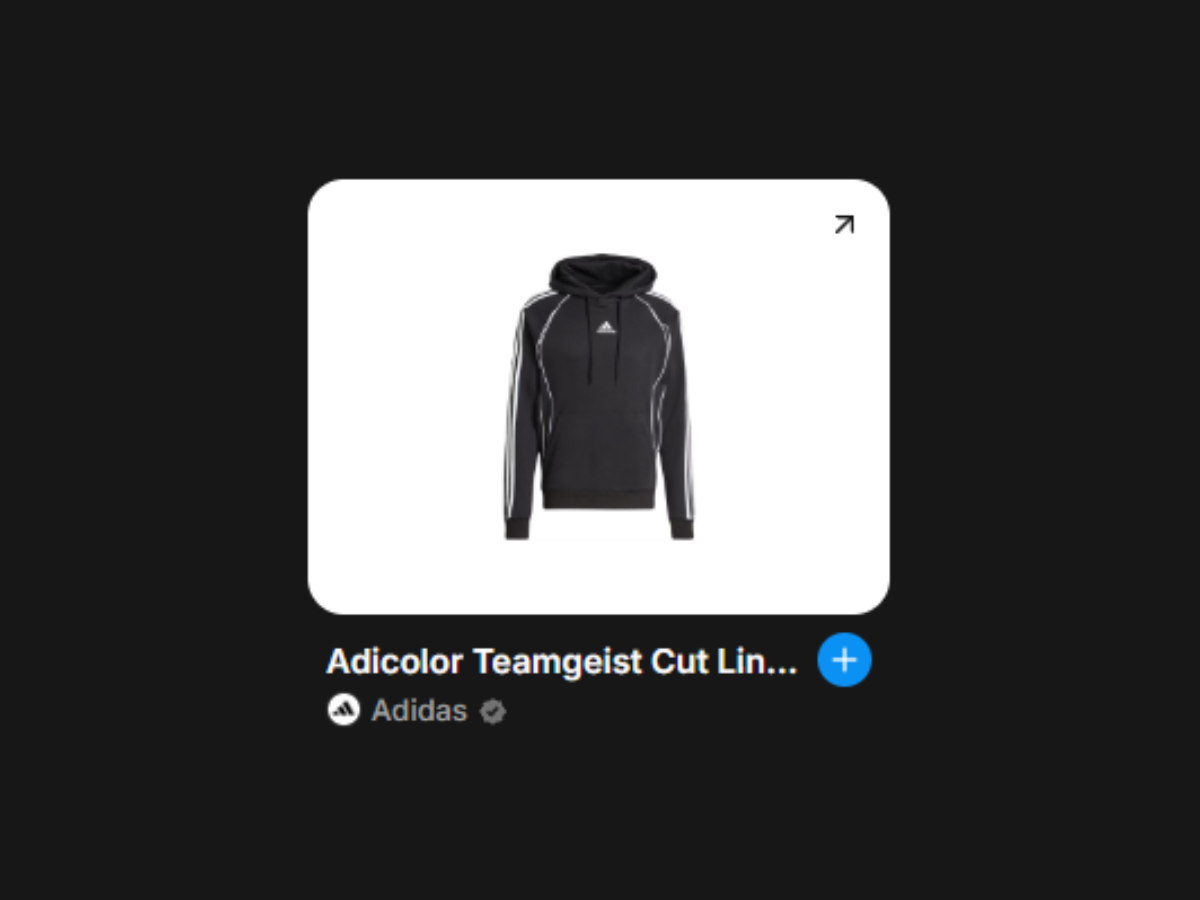
Browse through the product catalog and find items you want to try on. When you find a product you like, click the on the product card. This will add the item to your selected products, which appear in the AvatarHub panel.
2 - Click "Wear It" and Wait
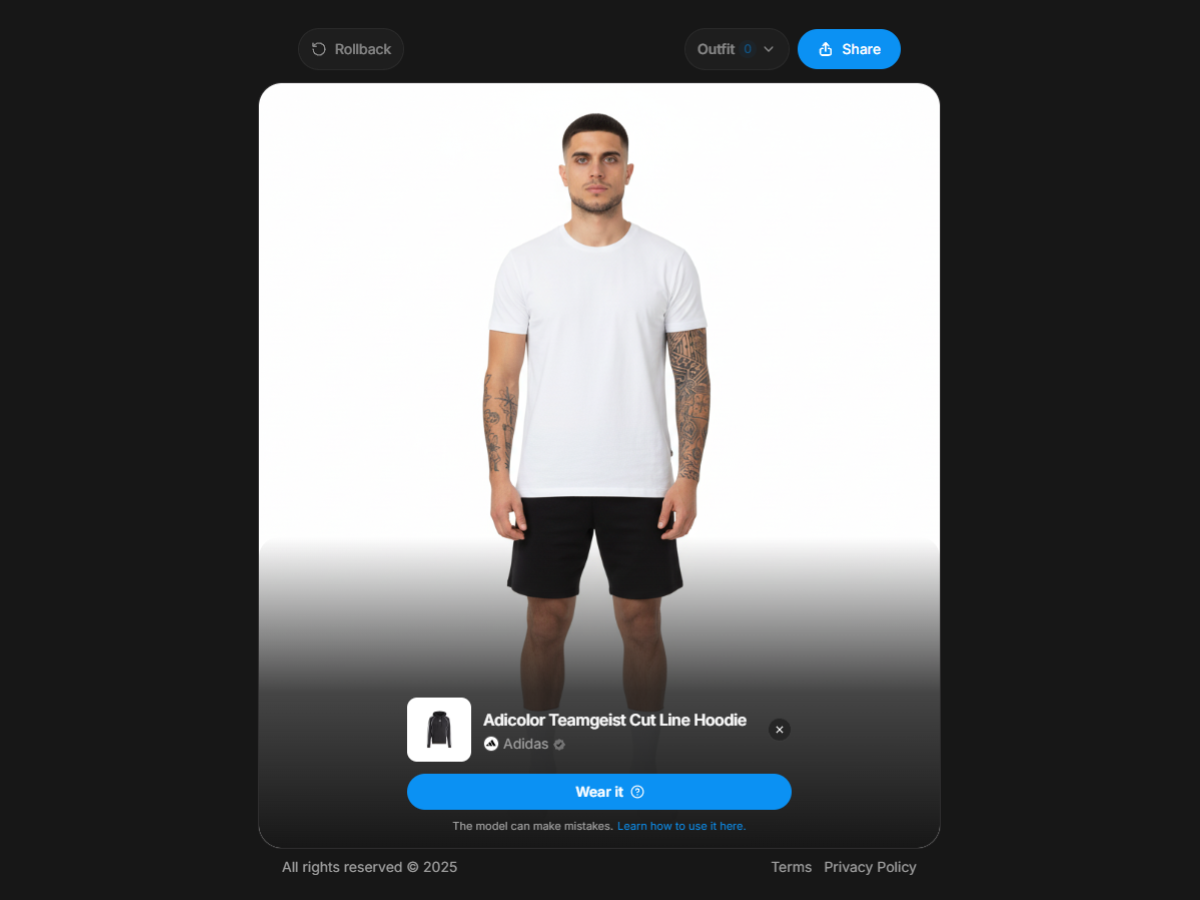
Once you've selected your products, click the Wear It button in the AvatarHub. The AI will process your request and virtually dress your avatar with the selected items. This usually takes a few seconds, so just wait for the magic to happen!
3 - View Your New Look
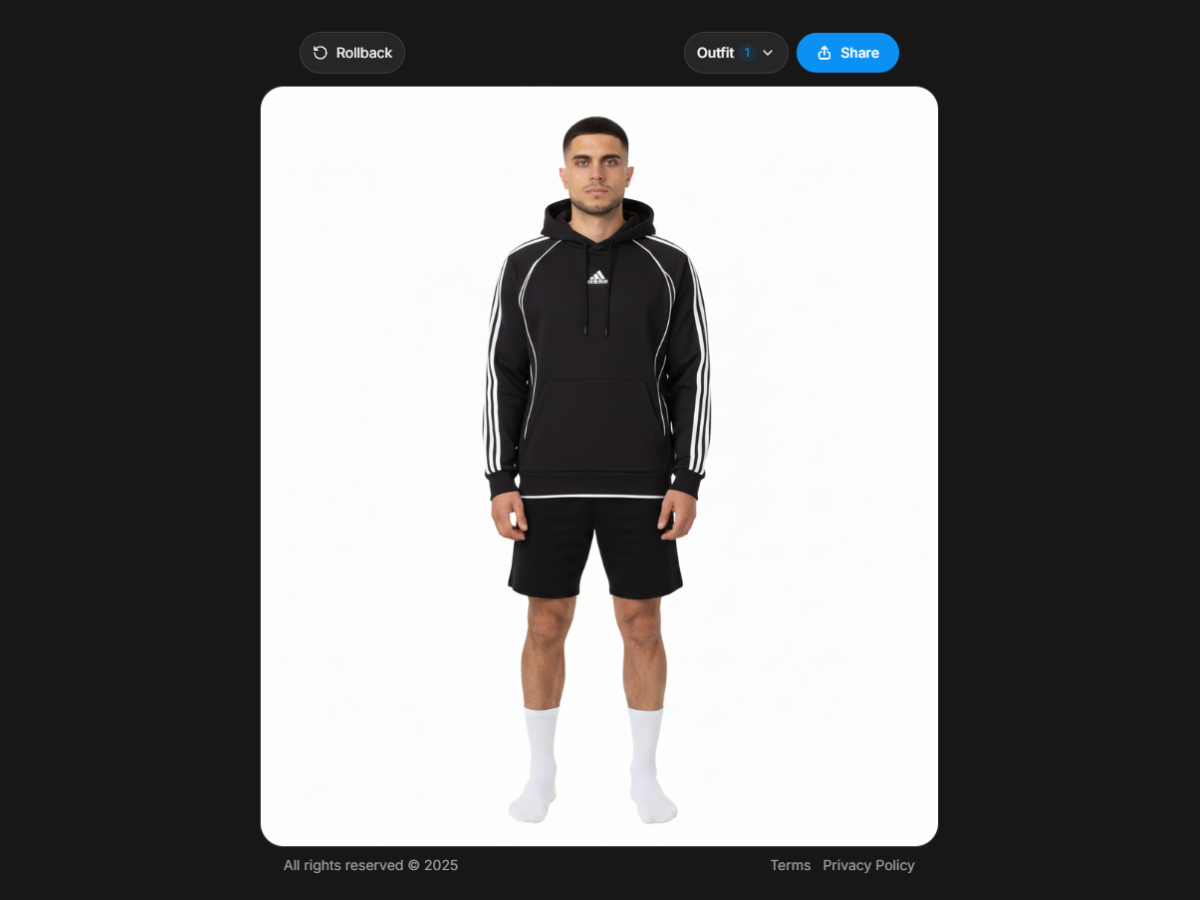
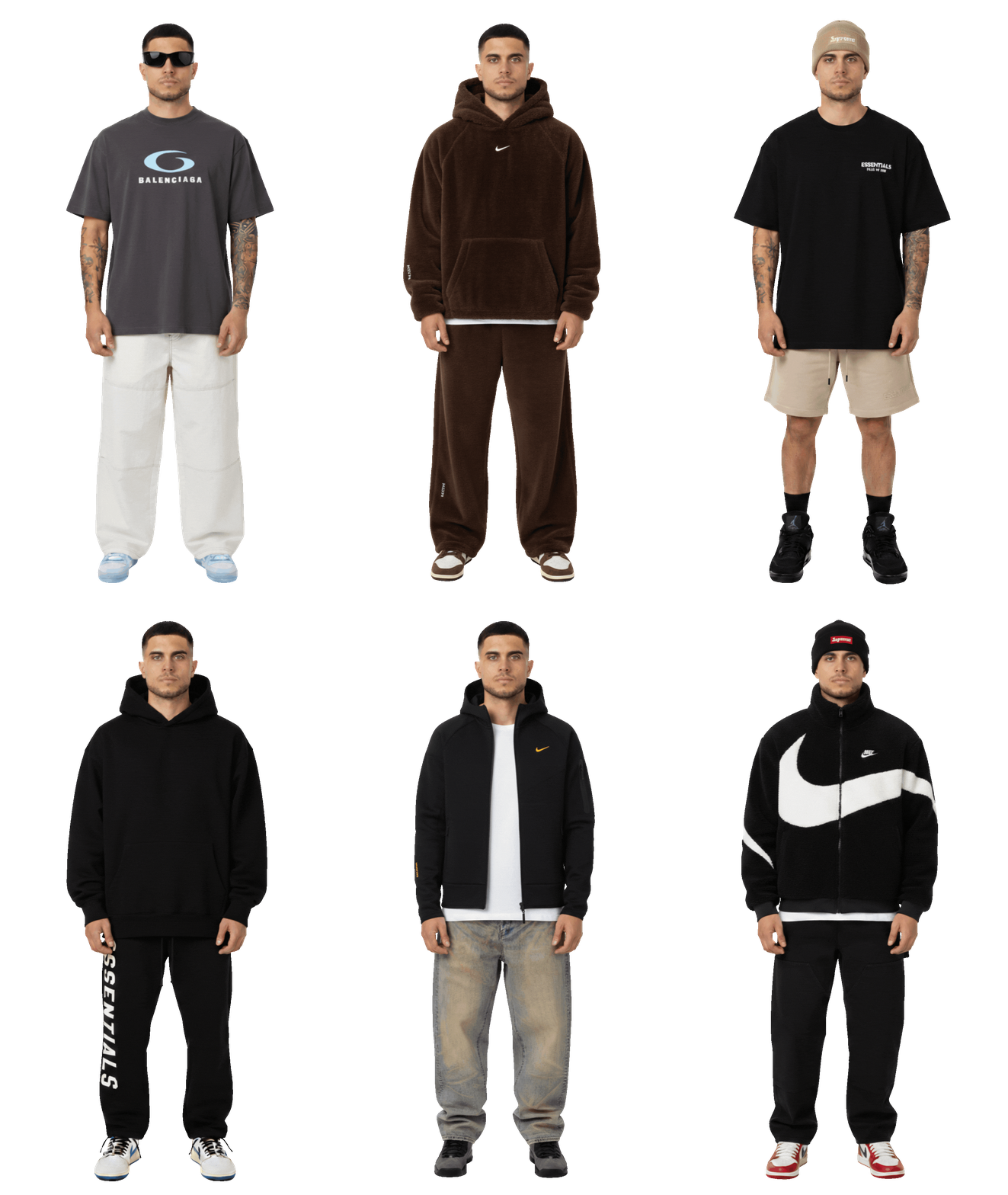
Once the AI finishes processing, your avatar will be updated with the clothing items you selected. You can now see exactly how the products look on you! From here, you can continue adding more items, save your outfit, or start fresh with new products.
Best Practices
Learn expert tips to maximize your try-on success rate.
Common Issues
Find solutions to frequent problems and troubleshoot issues.
Getting Started with Try-Ons
Learn how to use My Outfit to try on clothing items on your avatar. Follow these simple steps to start wearing any product you like.
Important Things to Keep in Mind
For optimal results: Check out our Best Practices guide to learn expert tips and recommendations that will help you achieve the highest success rate when generating outfits. Following these guidelines will ensure your try-ons look accurate and realistic.
Troubleshooting: If you encounter any issues with the AI or the platform, visit our Common Issues page. There you'll find solutions to frequent problems and explanations for any unexpected behavior you might experience.
How to Try On Clothing Items
1 - Add Products to Selection
Browse through the product catalog and find items you want to try on. When you find a product you like, click the on the product card. This will add the item to your selected products, which appear in the AvatarHub panel.
2 - Click "Wear It" and Wait
Once you've selected your products, click the Wear It button in the AvatarHub. The AI will process your request and virtually dress your avatar with the selected items. This usually takes a few seconds, so just wait for the magic to happen!
3 - View Your New Look
Once the AI finishes processing, your avatar will be updated with the clothing items you selected. You can now see exactly how the products look on you! From here, you can continue adding more items, save your outfit, or start fresh with new products.
Best Practices
Learn expert tips to maximize your try-on success rate.
Common Issues
Find solutions to frequent problems and troubleshoot issues.
Wear your outfits
Your real self, wearing real brands.
I'm reading your prompt
Editing your table...